

The oldest gadget in your home could be the main vulnerability in your home network
Devices that no longer receive updates can put the entire home network at risk. In 2025, the FBI warned that routers from 2010 and older likely need to be replaced.
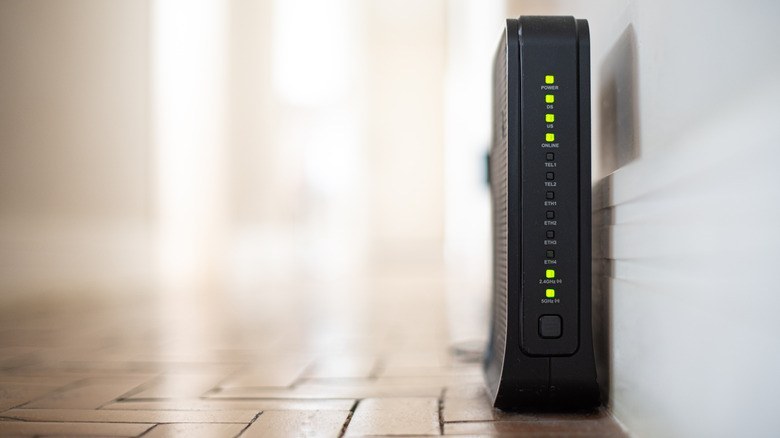
Old cameras, routers, and other smart home devices can become an entry point for attackers if the manufacturer has stopped releasing patches for them. Compromised gadgets can transmit data to third parties or be used in botnets—networks of devices for mass attacks on websites.
Netgear, a router manufacturer, recommends replacing equipment every four to five years. Surveillance cameras are also not designed for infinite use. The FBI’s warning stated that routers from 2010 and older likely no longer receive updates. The agency linked such devices to the malware TheMoon, which could exploit open ports and a vulnerable script, with no password required for the attack.
A Consumer Reports study found that most household appliance manufacturers do not disclose in advance how long they will support software. Even the support period promised by some brands often turns out to be shorter than buyers expect. A Cisco report also highlighted the vulnerability of outdated equipment: attackers continue to target devices for which patches are no longer released.

A check can start from the router’s admin page: forgotten devices like a camera, smart plug, or refrigerator may appear in the list of connected devices. For each gadget, it is worth checking on the manufacturer’s website whether updates are still being released. If the connected features of old equipment are no longer supported, they can be disabled.
The current security standard for routers is WPA3. If older devices stop connecting after switching from WPA2, a mixed WPA2/WPA3 mode can be selected. If WPA3 is absent, the router likely needs replacement. Additionally, it is recommended to disable remote management, change the default password, enable automatic updates, and, if necessary, isolate old gadgets in a separate network. This will limit access to a laptop or phone in case of a breach but will not protect data already stored on the outdated device.